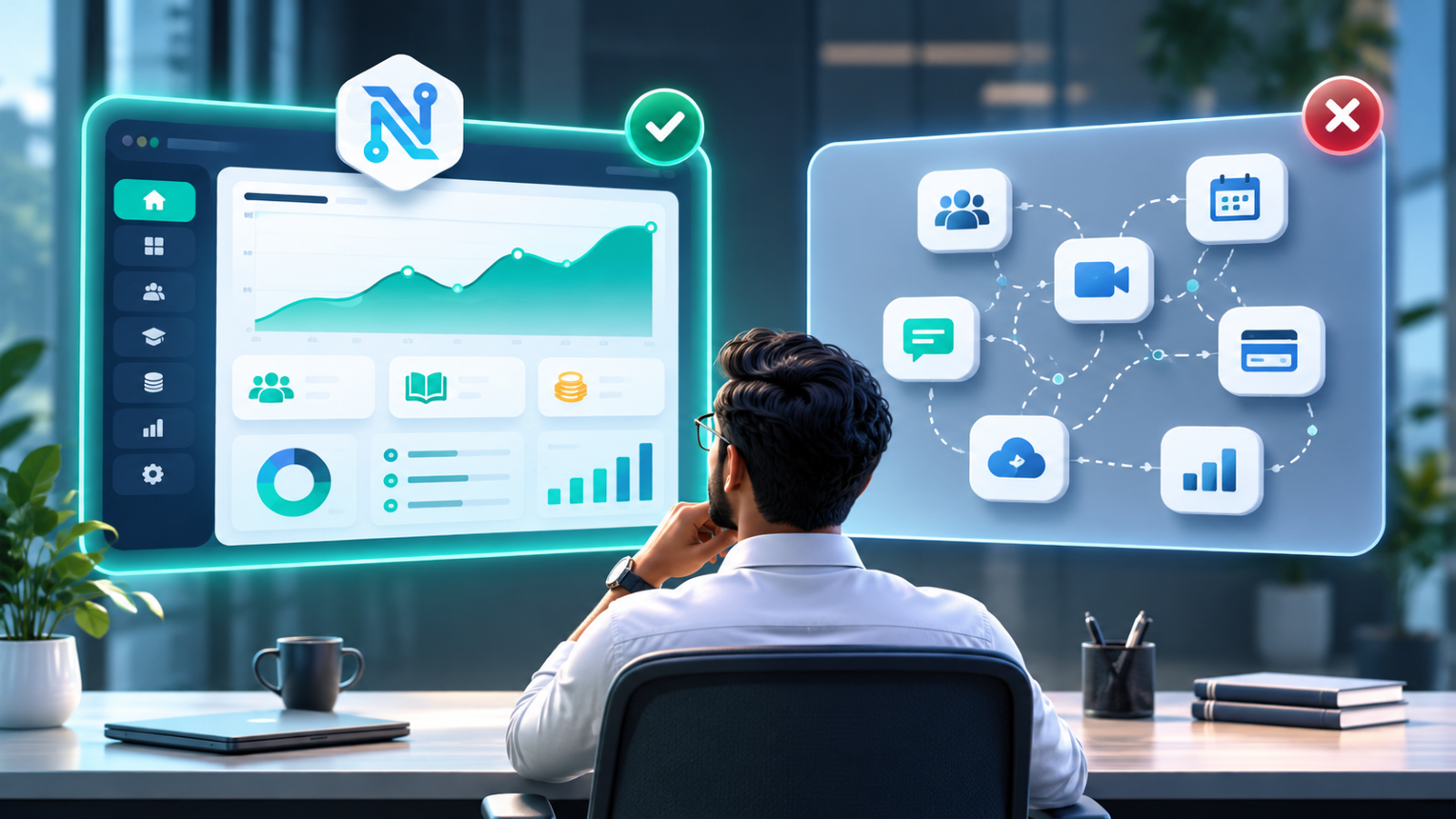
Custom Software vs Off-the-Shelf Software: How Should a Growing Business Choose?
Choosing the right software can have a major impact on how efficiently your business operates and grows. While off-the-shelf software offers ready-to-use features and quick setup, custom software is designed around your specific business processes, requirements and long-term goals.
So, which option is right for your business?
The answer depends on how your business works, what problems you need to solve, your budget and where you want to be in the next few years.
In this guide, we'll compare custom software vs off-the-shelf software across cost, flexibility, scalability, maintenance and integration to help you make a practical decision.
What Is Off-the-Shelf Software?
Off-the-shelf software is a ready-made application developed for a broad group of users. Businesses can subscribe to or purchase it and start using its existing features without building a system from scratch.
Examples include accounting tools, customer relationship management (CRM) platforms, project management applications, email marketing tools and inventory management products.
Most off-the-shelf solutions follow a subscription-based pricing model. Depending on the provider, you may pay monthly or annually, with different plans based on the number of users, features or usage limits.
Advantages of Off-the-Shelf Software
1. Faster implementation
Ready-made software is already developed and tested. Your team can usually create an account, configure settings and start using it without waiting for a complete development cycle.
2. Lower initial investment
You generally avoid the upfront cost of designing and developing an entire application. This can make ready-made software attractive to startups and small businesses with limited budgets.
3. Regular updates and support
The software provider usually handles infrastructure, maintenance, bug fixes and feature updates. The level of support depends on the subscription plan.
4. Established features
Popular software products often include commonly requested features, documentation and integrations. You do not need to build every standard capability yourself.
Disadvantages of Off-the-Shelf Software
Ready-made software is designed for a broad audience, so it may not match every business's workflow.
Common limitations include:
- Limited customization of features and workflows.
- Subscription costs that increase as your team grows.
- Restrictions on integrations or API access.
- Dependence on the software provider.
- Features you do not need but still pay for.
- Data export or migration limitations.
For a business with standard requirements, these limitations may be acceptable. For a business with unique processes, they can become obstacles.
What Is Custom Software?
Custom software is an application developed specifically for a business, industry or operational requirement.
Instead of changing your business processes to fit an existing tool, custom software is designed around how your business actually operates.
For example, an education group may need a single platform to manage student admissions, attendance, fee collection, examinations, results and multiple branches. A generic application may handle some of these activities, but a custom education management system can connect them into one workflow.
Other examples include:
- Custom CRM and sales management systems.
- Inventory and order management platforms.
- Education ERP and student management systems.
- Appointment and queue management platforms.
- Employee and workforce management systems.
- Business dashboards and reporting applications.
- SaaS products designed for a specific market.
Advantages of Custom Software
1. Designed around your business
The application follows your actual workflows, business rules and operational requirements. Your employees do not need to work around unnecessary features or limitations.
2. Greater flexibility
You can define user roles, permissions, dashboards, reports, approval processes and business-specific functionality.
3. Integration with existing systems
Custom applications can be designed to communicate with payment gateways, accounting tools, CRM platforms, websites and other business systems through APIs and integrations.
4. Room for future growth
You can add modules, users, integrations and workflows as your requirements change. A well-planned architecture helps the system evolve over time.
5. Greater control over development priorities
You can decide which features matter most, what should be developed first and how future improvements should be planned.
Disadvantages of Custom Software
Custom development also comes with responsibilities.
- Higher initial development investment.
- Longer time to launch compared with ready-made software.
- Requirement gathering and planning are necessary.
- Testing, hosting, security and maintenance need ongoing attention.
- Your business needs a reliable development partner or internal technical team.
Custom software is not automatically the better option. It is valuable when its benefits justify the investment and ongoing responsibilities.
Custom Software vs Off-the-Shelf Software: Key Differences
ComparisonCustom SoftwareOff-the-Shelf SoftwareDevelopmentBuilt for specific requirementsAlready developedInitial costUsually higherUsually lowerImplementationRequires planning and developmentUsually fasterCustomizationHigh flexibilityLimited by providerScalabilityCan be planned around business needsDepends on provider and planMaintenanceBusiness or development partner manages itProvider generally manages itIntegrationsCan be built around required systemsDepends on available integrationsOwnership and controlDefined by contract and agreementUsually governed by subscription termsBest suited forUnique or complex workflowsStandard business requirements
The most important difference is not simply price. It is how well the software supports your business operations over time.
Cost Comparison: Which Option Is More Affordable?
Cost is one of the biggest factors when choosing business software. However, comparing only the initial price can lead to the wrong decision.
Off-the-shelf software often has a lower starting cost because development expenses are shared across many customers. But monthly or annual subscription fees continue as long as you use the product.
Custom software generally requires a larger initial investment. However, the business can prioritize essential features and plan future development based on actual needs.
Consider these cost factors before deciding:
For off-the-shelf software:
- Monthly or annual subscription fees.
- Additional user or storage charges.
- Premium feature costs.
- Integration and add-on charges.
- Data migration and training.
- Potential vendor switching costs.
For custom software:
- Requirement analysis and planning.
- UI/UX design and development.
- Integrations and data migration.
- Hosting and infrastructure.
- Security, testing and deployment.
- Maintenance and future enhancements.
A useful approach is to calculate the total cost of ownership over three to five years rather than looking only at the first payment.
For example, if a ready-made tool charges per user, estimate how the subscription changes when your team doubles. Compare that with the development, hosting and maintenance costs of a custom system.
The more accurate option is the one that provides the best overall value for your requirements, not necessarily the lowest initial price.
When Should Your Business Choose Off-the-Shelf Software?
Off-the-shelf software may be the right choice if:
- Your business has standard operational requirements.
- You need a solution quickly.
- Your budget does not support custom development.
- Existing tools already cover most of your requirements.
- You do not need complex integrations.
- You are testing a business idea before investing in a larger system.
For example, a small business that needs basic invoicing, email marketing or task management may be better served by an established ready-made product.
There is no reason to build a custom application when an existing product already solves the problem effectively.
When Should Your Business Choose Custom Software?
Custom software becomes worth considering when your existing tools are no longer supporting your business efficiently.
Look for these signs:
1. You depend heavily on spreadsheets and manual work
If employees maintain multiple spreadsheets, repeat data entry and manually prepare reports, a centralized application may reduce unnecessary effort.
2. Your business has unique workflows
If your approval processes, pricing rules, reporting or operations do not fit standard software, customization may be necessary.
3. Your systems do not communicate with each other
When different departments use disconnected applications, employees may need to enter the same information repeatedly. A custom system can connect these workflows.
4. Your business is expanding
More customers, employees, branches and transactions can make existing tools difficult to manage. You may need more control over permissions, reporting and operations.
5. You want to build your own software product
If you plan to launch a SaaS product or a specialized platform, custom development gives you control over the product's functionality and user experience.
If these situations sound familiar, explore how custom software development can support your business.
A Third Option: Combine Both Approaches
The decision does not always have to be custom software or off-the-shelf software.
A hybrid approach can often provide the best balance.
For example, a growing company could:
- Use an existing accounting platform.
- Build a custom CRM around its sales process.
- Integrate a payment gateway rather than building payment processing from scratch.
- Use an established email service for notifications.
- Create a custom dashboard that combines important business information.
This approach allows businesses to invest in custom development only where it creates meaningful value.
It can also reduce development time and avoid rebuilding functionality that already works well.
7 Questions to Ask Before Choosing Business Software
Before purchasing or developing a software solution, answer these questions:
- What exact business problem are we trying to solve?
- Do existing products cover at least 80% of our important requirements?
- How many employees or customers will use the system?
- Which integrations are essential?
- How much will the software cost over the next three to five years?
- Can the solution support our expected business growth?
- Who will manage maintenance, support, security and future improvements?
Write down your answers and prioritize your requirements into three categories:
- Must-have: Essential features required to operate.
- Should-have: Important features that improve efficiency.
- Nice-to-have: Features that can be introduced later.
This makes it easier to compare vendors and avoid paying for features you may never use.
Final Verdict: Which Software Should You Choose?
There is no single answer for every business.
Choose off-the-shelf software when your requirements are standard, you need a quick implementation and an existing product already solves your problem.
Choose custom software when your workflows are unique, existing tools create operational limitations or you need greater control over integrations and future development.
Consider a hybrid approach when some business functions are standard but others require specialized workflows.
The right decision should support your current operations while keeping future costs, flexibility and business growth in mind.
How Needing Tech Can Help
At Needing Tech, we help businesses turn operational requirements into practical software solutions.
Our services include custom business applications, SaaS MVP development, web applications, integrations and ongoing technical support.
Whether you are replacing manual spreadsheets, connecting disconnected systems or planning a new software product, the first step is understanding your business requirements.
Explore our custom software development services or learn about our SaaS MVP development approach.
Have a software project in mind? Contact Needing Tech to discuss your requirements and explore the right approach for your business.
Frequently Asked Questions
1. Is custom software better than off-the-shelf software?
Custom software is better when a business needs specialized workflows, integrations or functionality that existing products cannot provide. Off-the-shelf software is often better for standard requirements and faster implementation.
2. Is custom software more expensive?
Custom software usually has a higher initial development cost. However, the total cost over time depends on subscription fees, user growth, integrations, maintenance and future requirements.
3. Can small businesses afford custom software?
Yes. Small businesses can begin with a focused solution that addresses their most important operational problem. A phased approach allows additional features to be introduced as the business grows.
4. How long does custom software development take?
The timeline depends on the complexity, integrations, number of modules and project requirements. A small application may take considerably less time than a large enterprise platform. A proper discovery and planning phase helps establish realistic milestones.
5. Can custom software integrate with existing applications?
Yes. Custom software can integrate with other applications through APIs, webhooks and supported data exchange methods. The available integration options depend on the systems involved.
6. Who owns custom-developed software?
Ownership depends on the development agreement. Businesses should clearly define source code ownership, intellectual property rights, third-party licenses, documentation and handover terms before development begins.
7. Can a business switch from off-the-shelf software to custom software later?
Yes. Businesses can gradually migrate by identifying essential workflows, exporting available data, building the required modules and validating the new system before fully switching over.